Documentation
Set up Privatrak, name what matters to you and read every report.
Billing
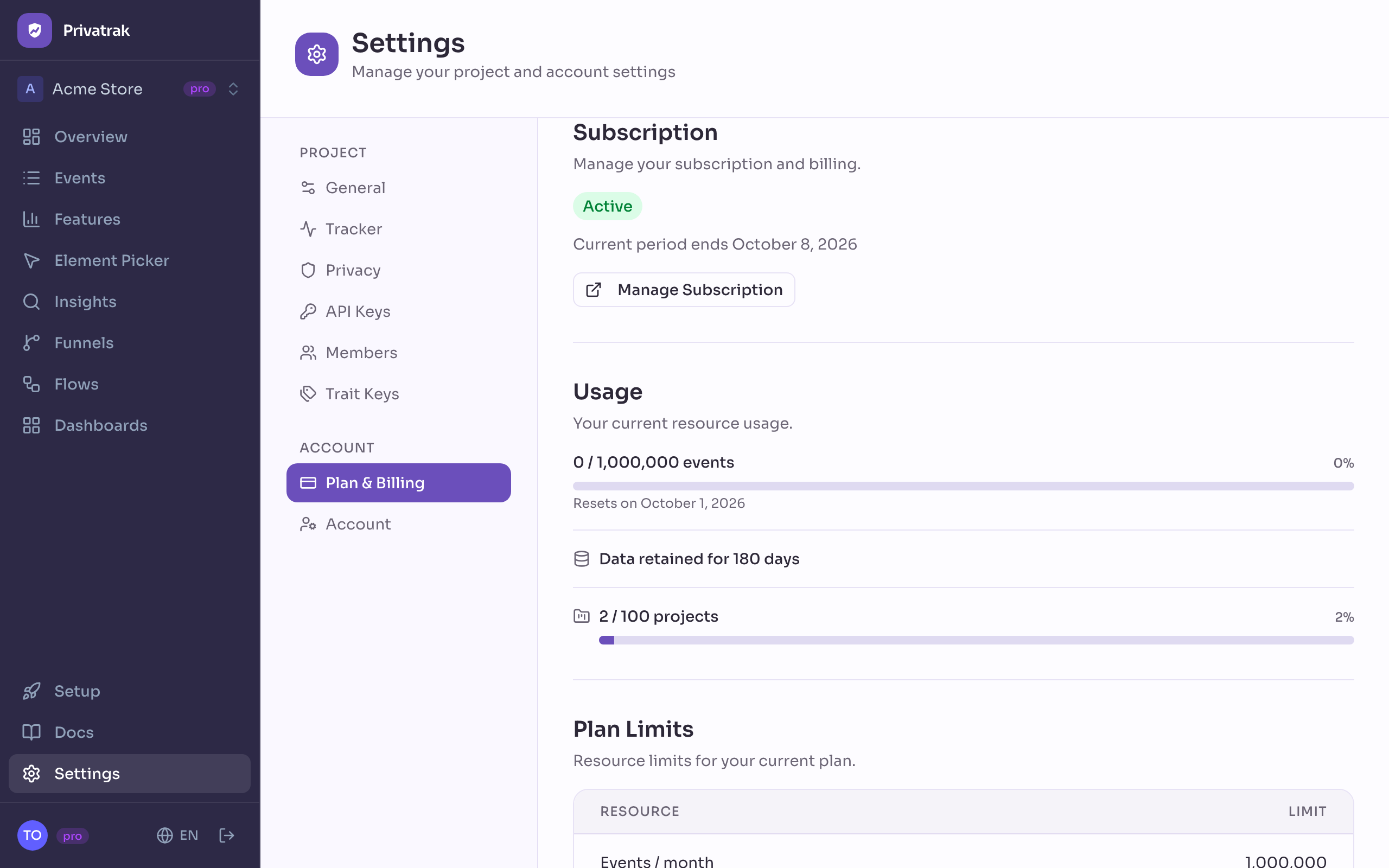
Under Settings › Plan & Billing you see your plan and this month’s usage, and you upgrade, downgrade or cancel your subscription. Your plan belongs to your account and covers every project you own. Paddle handles the payments and invoices.
Upgrade
- Open Settings › Plan & Billing.
- Under Plans, click Upgrade on the plan you want.
- On Free, enter your payment details in Paddle’s checkout. With a paid plan already, check the Prorated charge today and click Confirm Upgrade.
The new limits apply as soon as the payment is complete. Moving from one paid plan to a larger one, you pay only the difference for the rest of the current period.
Downgrade
- Under Plans, click Downgrade on the plan you want.
- Check the date under Change takes effect on and click Confirm Downgrade.
You keep your current plan until that date. To stay on it, click the button with your plan’s name, such as Keep Pro. On that date, data older than the lower plan’s data retention is deleted.
Cancel
Click Manage Subscription and cancel in Paddle. Plan & Billing then shows the date under Cancels on. Until then you keep your plan, and you can call the cancellation off with Manage Subscription. After that date your account is on Free, and data older than 30 days is deleted.
Usage
Usage shows the events all your projects recorded this month against your monthly event limit, and the date it Resets on.
If a payment fails
Your subscription shows Past Due. Click Update Payment and enter a new payment method, so you keep your plan.
Payment method and invoices
Click Manage Subscription to change your payment method and to download your invoices from Paddle. Payments and refunds follow the refund policy.
For Enterprise or limits of your own, click Contact Us on the Enterprise plan.